
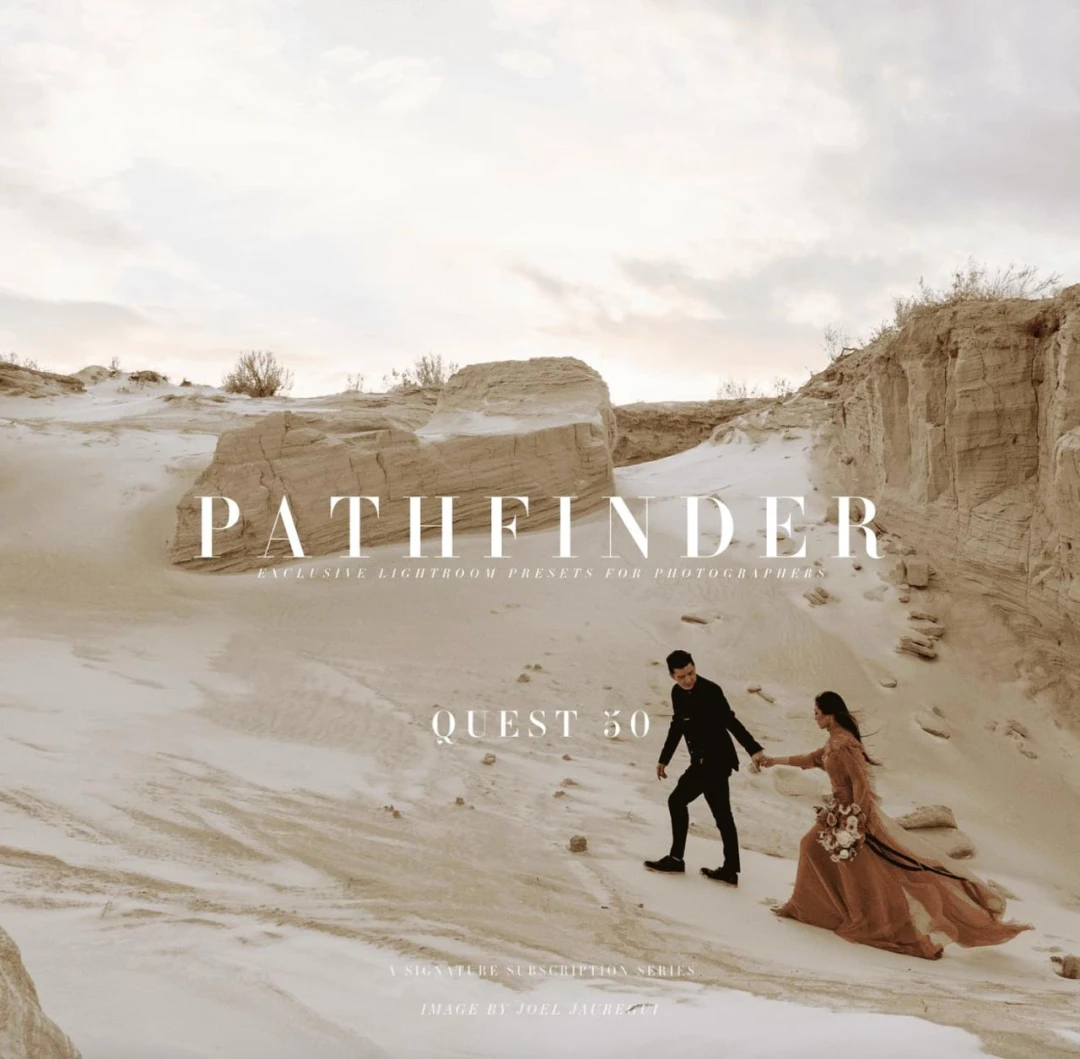
Archipelago Quest 50 – Pathfinder Lightroom Presets
- File size
- 2.06 MB
- Posted Date
- 04 October 2025 - 16:38:25
- Last Update
- 26 July 2026 - 09:01:26
$3.00
one-time
Or get unlimited access from $15
Content Details
Archipelago Quest 50 – Pathfinder Presets
Pathfinder is a modular Lightroom preset toolkit built to give you precise, creative control. Mix foundational looks with targeted adjusters, curve shaping, and finishing tools to define a consistent, recognizable visual style—image after image.
Why Pathfinder?
- Modular workflow: Stack base looks, dynamics, curves, and finishing tools in seconds.
- True-to-skin tonality: Designed to preserve natural skin while enhancing global mood.
- Speed + consistency: Build repeatable looks that hold across lighting scenarios.
- Creator-first control: You decide the vibe—warm, cool, punchy, soft, or somewhere in between.
What’s Inside
4 Tonal Bases
Foundation presets that set global color and contrast direction (e.g., warm, cool, crisp contrast, soft & airy).
5 Dynamics Adjusters
Targeted tools to dial punch, micro-contrast, depth, and presence—without breaking your base look.
4 Curve Modifiers
Subtle highlight/shadow shaping for nuanced character—matte, gentle S-curve, lifted blacks, or cleaner whites.
10 Finishing Tools
Refine with grain, vignette, texture sweeteners, glow/soften, edge falloff, and tasteful overlays.
Key Features
- Non-destructive editing: Fully adjustable after application.
- Cohesive color pipeline: Designed for mixed lighting and diverse camera profiles.
- Editorial or cinematic: From clean commercial to mood-forward storytelling.
- Batch-friendly: Apply at scale and tweak globally in minutes.
Compatibility
- Adobe Lightroom Classic (XMP)
- Adobe Lightroom (Desktop/Mobile via XMP/DNG workflow)
- Adobe Camera Raw
- Works with RAW and JPEG (best results with RAW)
- Camera brands: Sony, Canon, Nikon, Fujifilm, Panasonic, DJI, etc.
Perfect For
- Wedding & portrait photographers who value natural skin and consistent tonality
- Editorial & lifestyle sets needing flexible mood control
- Brand & product work where repeatable color is essential
Suggested Workflow
- Choose a Tonal Base to set the global mood.
- Add a Dynamics Adjuster for punch, depth, or softness.
- Apply a Curve Modifier to sculpt highlights/shadows.
- Finish with grain, vignette, and texture polish.
Tip: Save your favorite stack as a custom preset to speed up future edits.
Installation (Quick)
- Open Lightroom Classic → Develop → Presets panel → “+” → Import Presets.
- Select the .xmp files and import.
- Restart Lightroom if needed; presets appear under User Presets or their collection folder.
Package Contents
- 4 × Tonal Base presets (XMP)
- 5 × Dynamics Adjuster presets (XMP)
- 4 × Curve Modifier presets (XMP)
- 10 × Finishing Tools (XMP)
- Quick Start PDF & recommended stacking order