
Dvlop – Jonas Peterson Lightroom & ACR Presets
- File size
- 9.61 KB
- Publisher
- https://dvlop.com/
- Posted Date
- 04 October 2025 - 17:02:03
- Last Update
- 19 July 2026 - 23:05:58
Content Details
Dvlop – Jonas Peterson Lightroom & ACR Presets
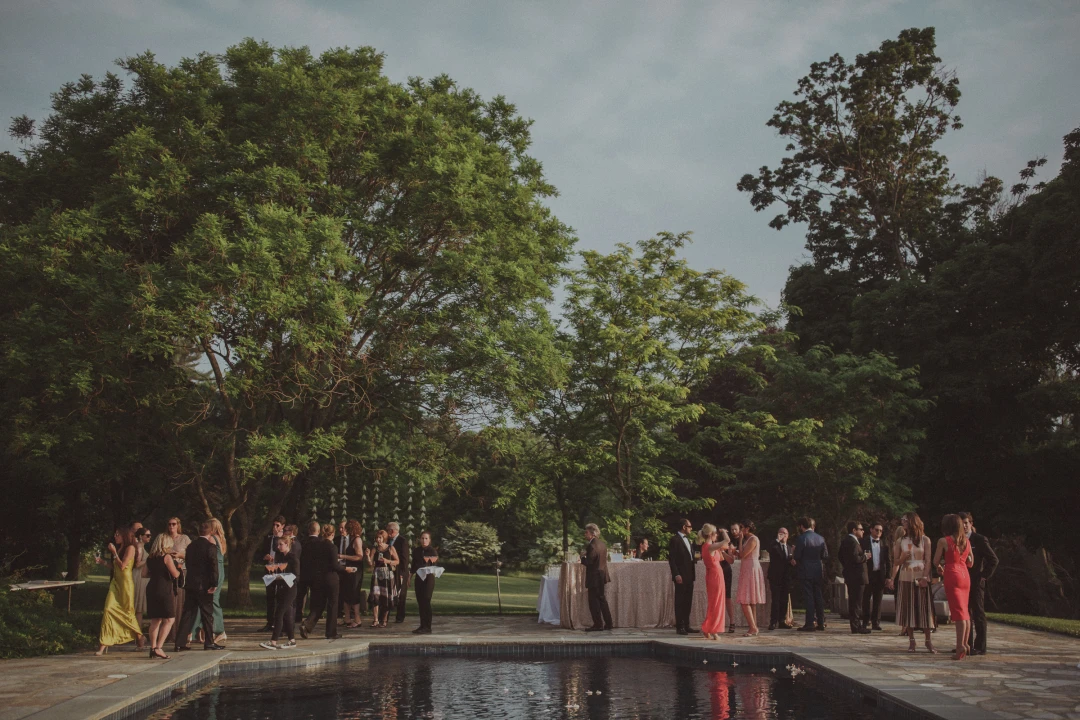
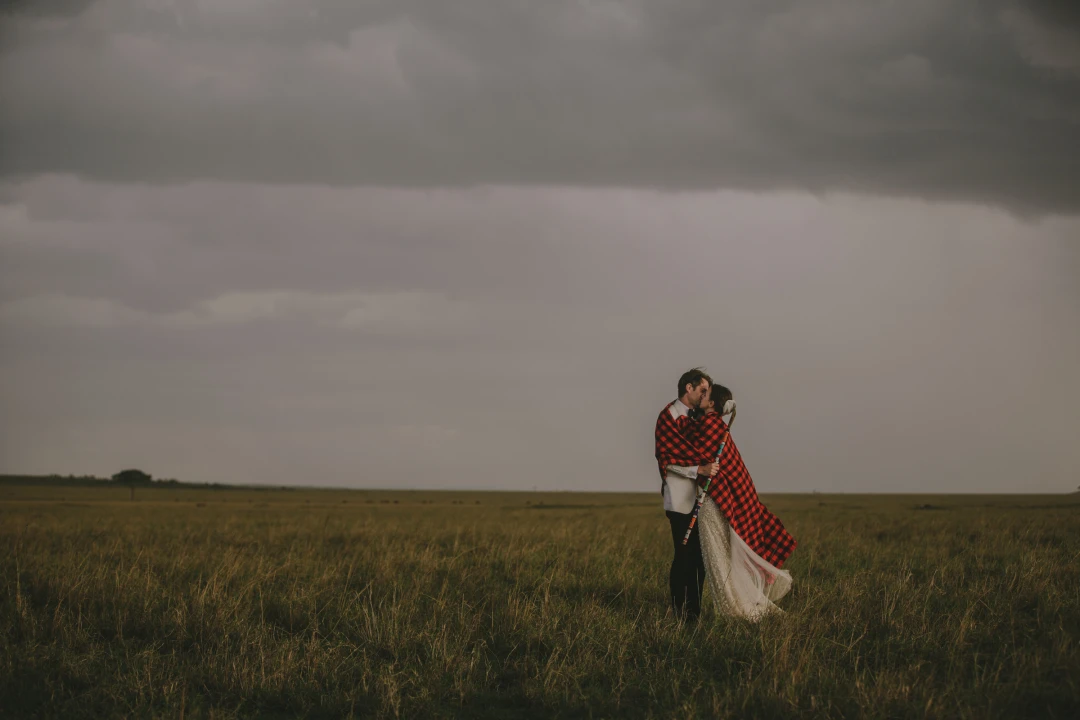
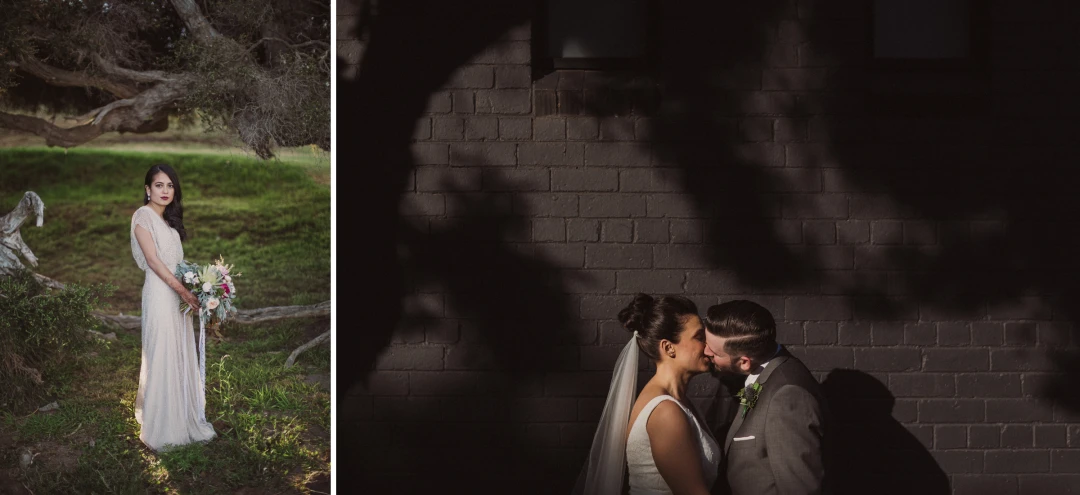
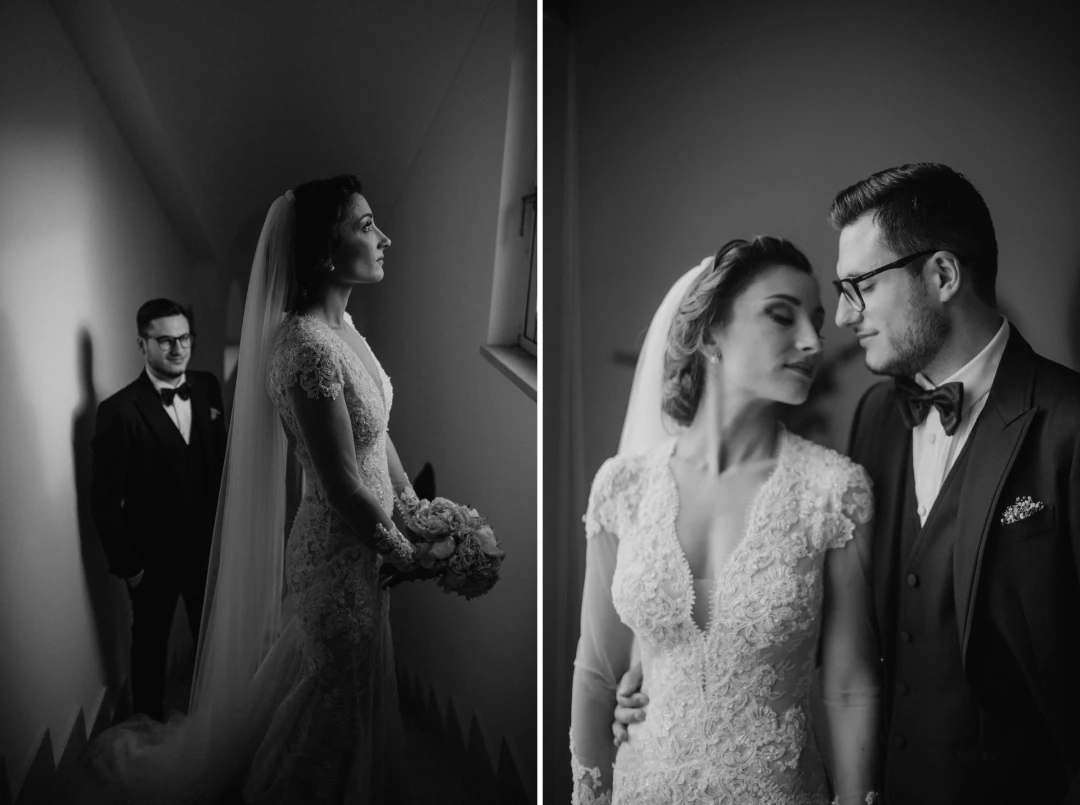
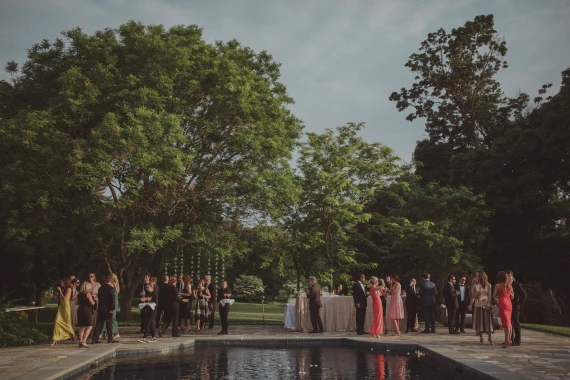
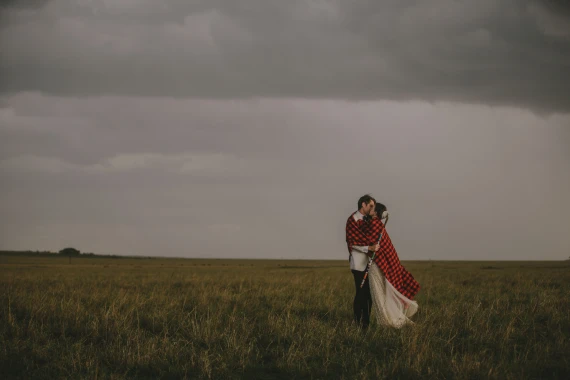
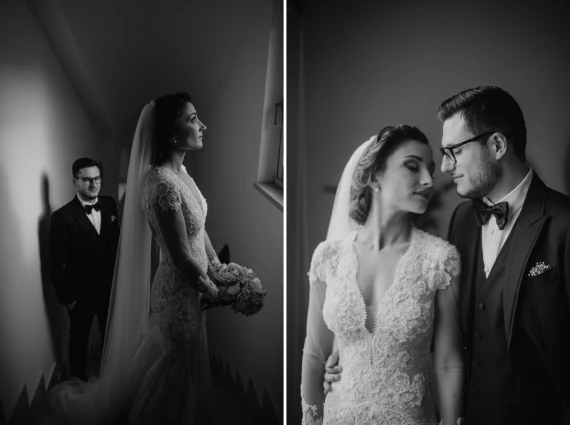
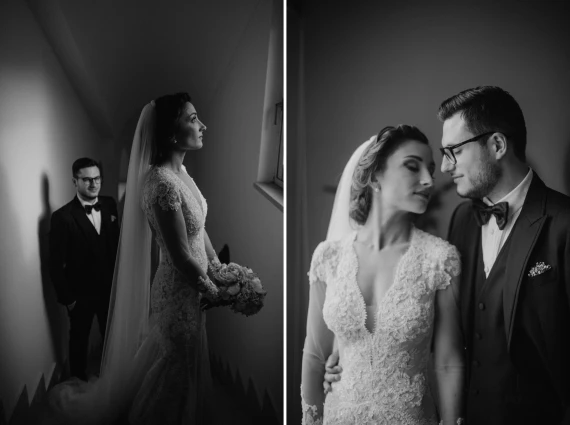
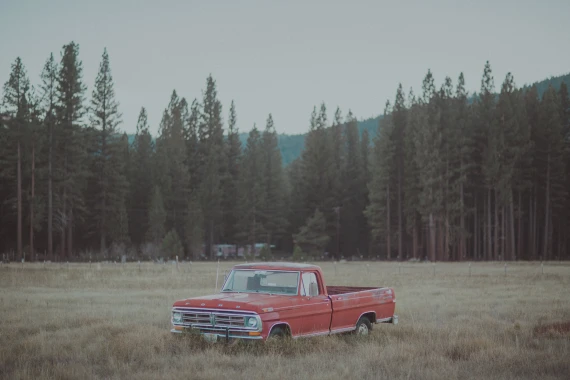
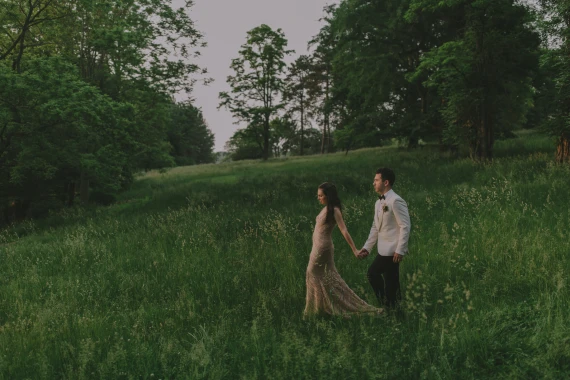
Crafted with a storyteller’s eye, Jonas Peterson presets turn photographs into felt memories—quiet, cinematic, and deeply human. Rather than chasing clinical accuracy, this collection leans into mood: softened highlights, honest skin, and a gentle color cadence that feels like the moment remembered.
Why Photographers Choose This Set
- Memory-first rendering: Focus on emotion and pace, not sterile perfection.
- Elegant tonality: Lifted highlights with anchored shadows for a calm, film-leaning balance.
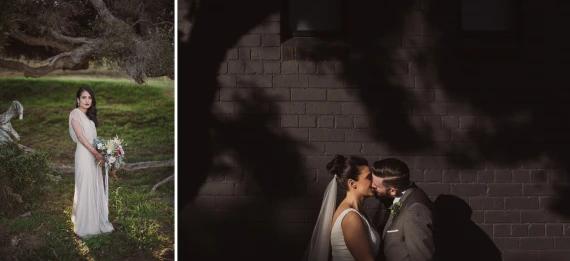
- Skin you can trust: Natural complexions without plastic reds or sickly greens.
- Consistency at scale: Cohesive color math that holds across sessions and locations.
Key Looks Inside
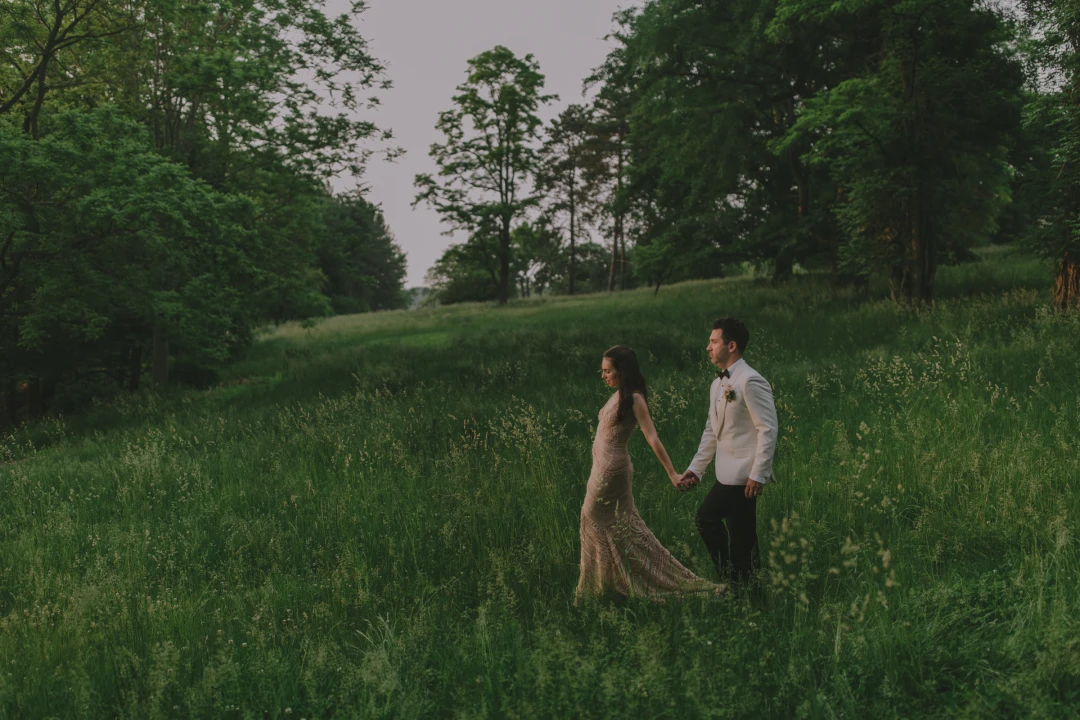
- Daydream: Airy midtones, subtle bloom in highlights—ideal for sun-lit portraits.
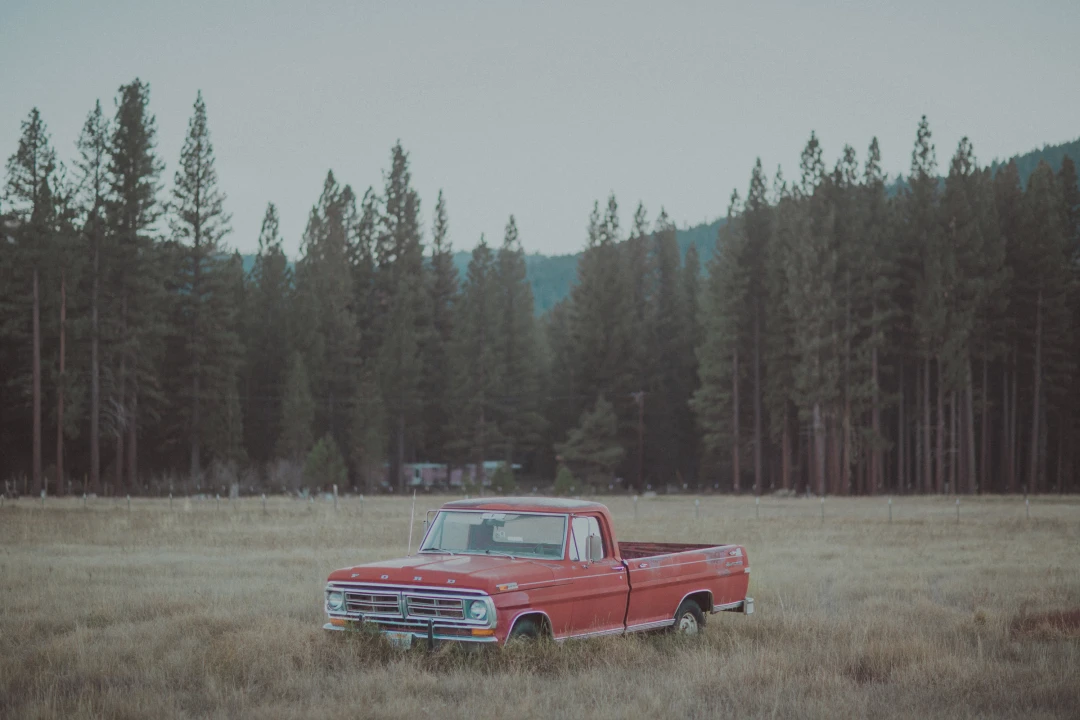
- Nordic: Cooler neutrality with quiet contrast for overcast or indoor scenes.
- Warm Memory: Honeyed warmth and gentle roll-off for intimate moments.
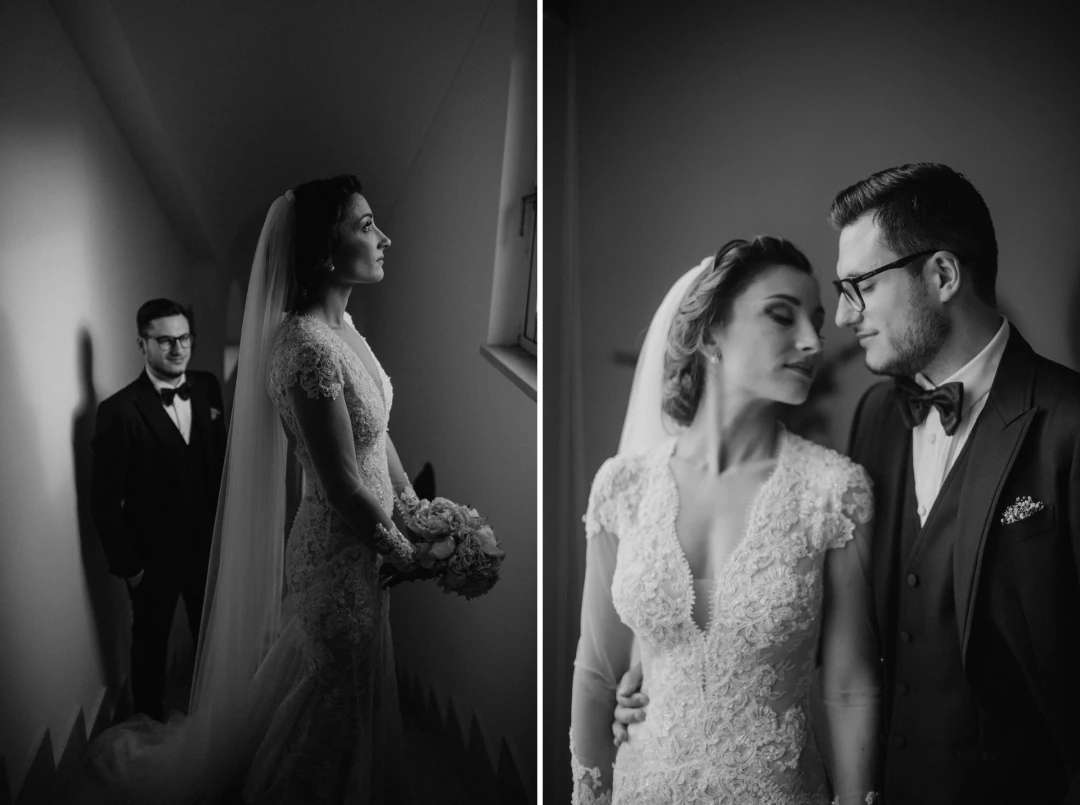
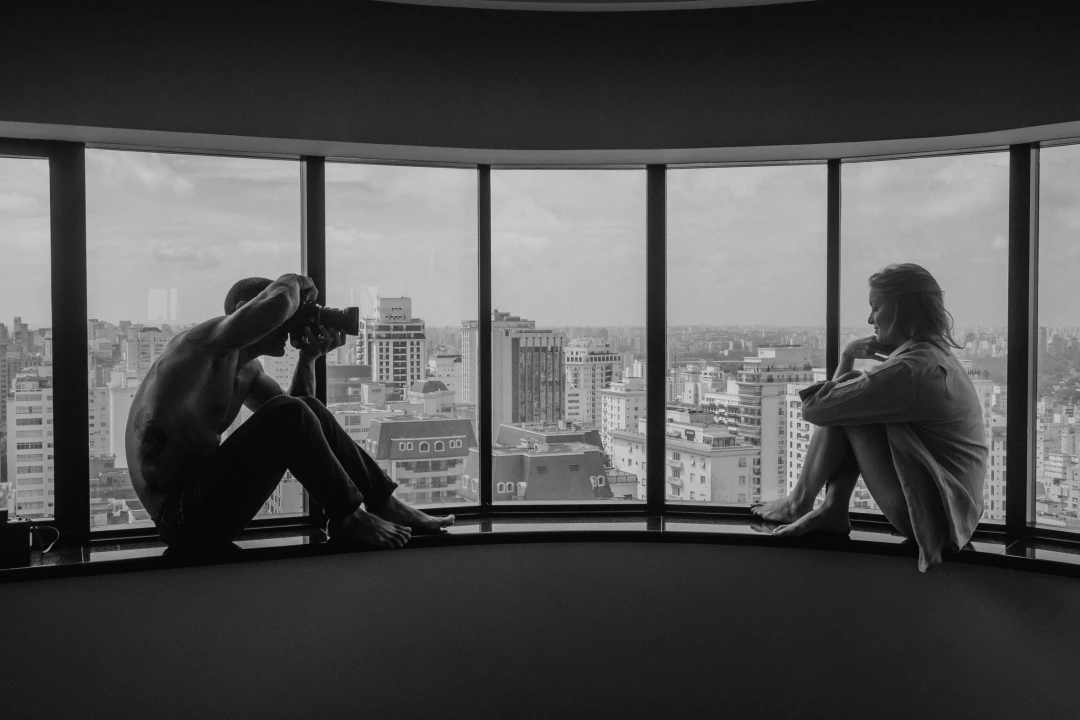
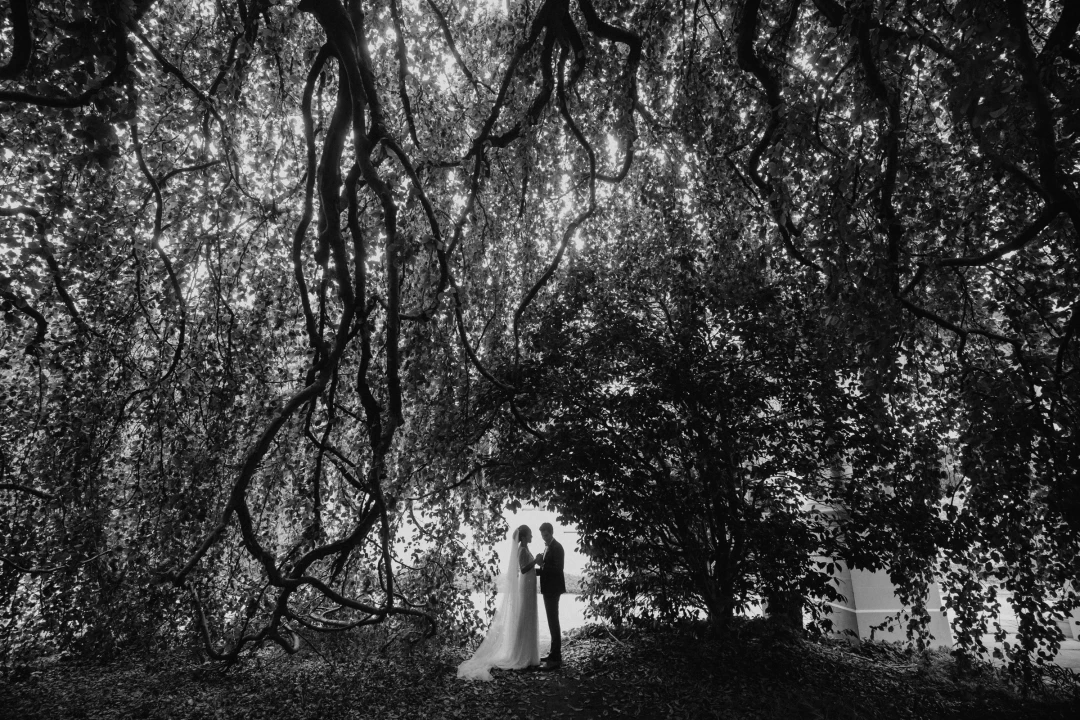
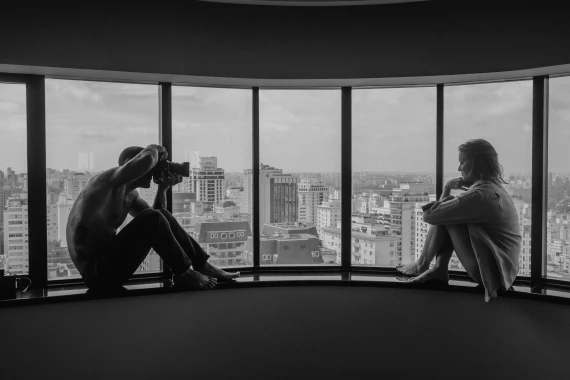
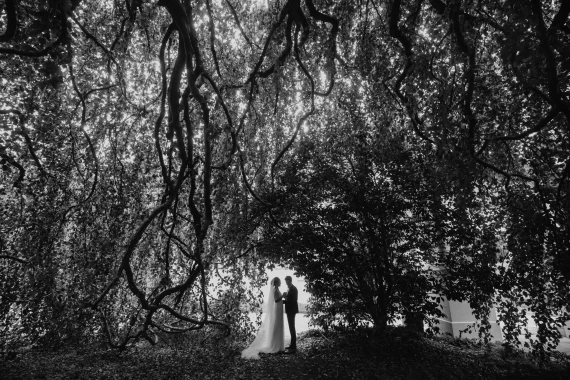
- Monochrome Study: Clean, grain-friendly black & white with deep, musical shadows.
What’s Included
- A curated set of color and B&W looks (XMP) tuned by Jonas Peterson.
- Tool variants for push/pull contrast and highlight control.
- Grain profiles designed to add texture without muddying detail.
- Quick Start notes: exposure/WB baselines and recommended order of operations.
Suggested Workflow
- Apply a base look that matches the scene mood (Daydream/Nordic/Warm Memory/Mono).
- Set exposure & white balance for the subject; nudge tint to neutralize skin.
- Refine contrast using the push/pull variants; protect highlights first.
- Add grain intentionally—lighter for portraits, stronger for documentary frames.
Tip: Save your most used WB and contrast tweaks as a custom preset for faster batch edits.
Supported Software
- Adobe® Lightroom® 4 or later
- Adobe® Camera Raw (ACR) CS6 or later
FAQs
Will these work on JPEGs?
Yes. You’ll get the best latitude with RAW, but JPEGs benefit from the tonal design as well.
Are they too moody for bright weddings?
No. Use Daydream for open light and lift exposure slightly; the palette stays soft and romantic.
How much grain should I use?
Start subtle. Add more for narrative texture; reduce for beauty/skin-forward work.