
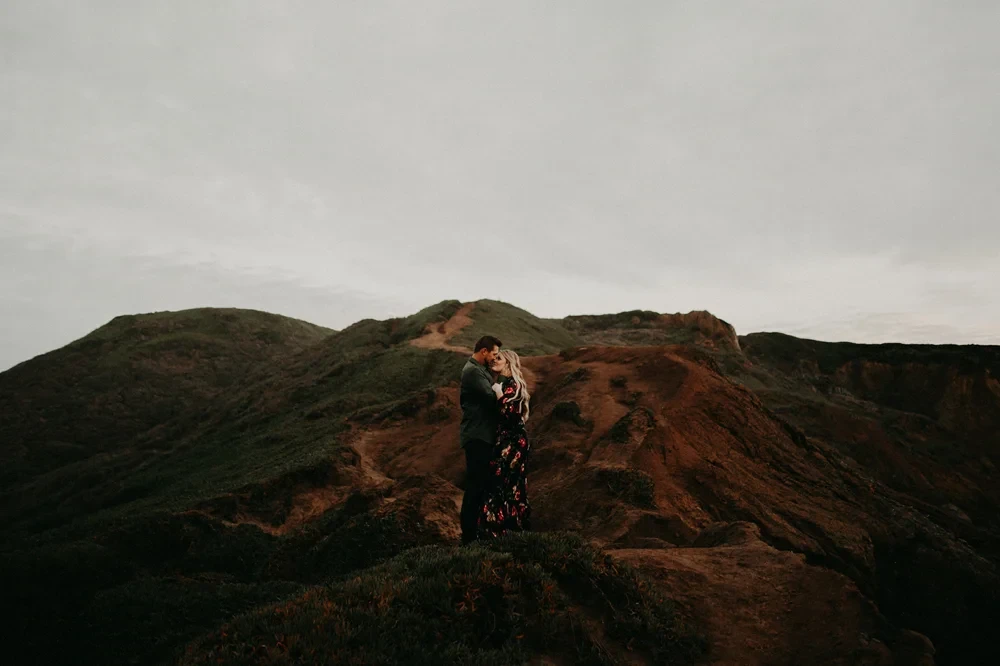
G-Presets – Tools Adjustment Kit (26 Lightroom Tools)
- File size
- 572.74 KB
- Posted Date
- 04 October 2025 - 17:13:47
- Last Update
- 26 July 2026 - 09:07:53
Content Details
G-Presets – Tools Adjustment Kit (26 Lightroom Tools)
Speed up your workflow with the G-Presets Tools Adjustment Kit—a focused set of utility presets designed to make the small tweaks you do on every edit happen in one click. From quick exposure nudges and tone shaping to lighting-specific fixes, these tools act like the “extra sauce” that makes any preset pack feel dialed and consistent.
Why This Kit
- Everyday shortcuts: One-click adjustments for exposure, contrast, WB, tone curve, clarity, and presence.
- Lighting-aware tools: Variants for backlight, overcast, open shade, golden hour, and tungsten/mixed scenes.
- Plays nice with any presets: Stack on top of your favorite looks without breaking color.
- Batch friendly: Build a reliable, repeatable workflow for full galleries.
What’s Included
- 26 Lightroom adjustment presets (XMP) — organized by: Exposure, WB/Tint, Contrast, Curve, Presence, Color Tweaks, Grain/Vignette.
- PDF Install & Quick Guide — simple setup plus suggested stacking order.
Tool Categories (Examples)
- Exposure: +.25 / +.50 / −.25 EV nudges; highlight guard; shadow lift.
- WB & Tint: Cool/Warm micro steps; Green/Magenta skin neutralizers.
- Contrast & Curve: Soft S, Classic S, Matte Roll-off; Pull/Push options.
- Presence: Clean Skin (lower clarity), Lens Pop (mid micro-contrast), De-Haze Lite.
- Color Tweaks: Orange Skin Soften, Red Calm, Greens Natural, Blues Neutral Sky.
- Finishing: Fine Grain (low/med), Subtle Vignette, Edge Lift.
Suggested Workflow
- Apply your main creative preset (any brand).
- Fix light with an Exposure nudge and a matching lighting tool (e.g., Backlight Guard).
- Dial color via WB/Tint micro steps; use Skin Neutralizer if needed.
- Shape tone with Soft/Classic S-curve; protect highlights first.
- Finish with Presence/Finishing tools (keep grain subtle for clean skin).
Pro tip: Save your favorite tool stack as a custom preset to speed up entire galleries.
Best For
- Wedding, lifestyle, family, and editorial sets needing quick, consistent refinement
- Mixed lighting sessions (tungsten + window, backlit, overcast)
- Anyone who wants dependable, repeatable adjustments across different preset packs
Compatibility
- Adobe Lightroom Classic (XMP) — current versions
- Adobe Camera Raw (Photoshop)
- Works with RAW and JPEG (best latitude with RAW)
Installation
- Open Lightroom Classic → Develop → Presets panel → “+” → Import Presets.
- Select the .xmp files from the Tools kit.
- Restart if needed; tools appear in their folder and can be stacked with any look.
FAQs
Do these replace creative presets?
No. They are utility add-ons meant to refine any creative preset you already use.
Will they change my colors dramatically?
No. Tools are designed for subtle, controlled adjustments that maintain your base look.
Can I use them on JPEGs?
Yes—RAW gives more range, but JPEGs still benefit from the exposure, WB, and tone tools.