








Gamut - Gamut Boost LUTs
- File size
- 206.48 KB
- Publisher
- https://gamut.io/product/gamut-boost/
- Posted Date
- 12 February 2025 - 21:57:09
- Last Update
- 26 July 2026 - 09:04:33
Content Details
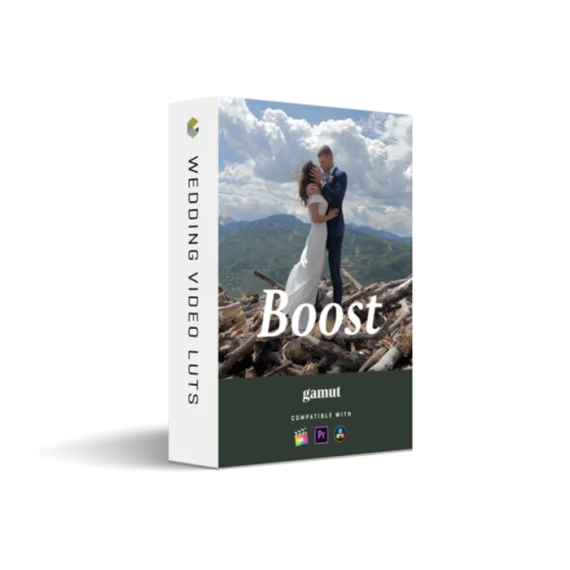
Gamut – Boost LUT
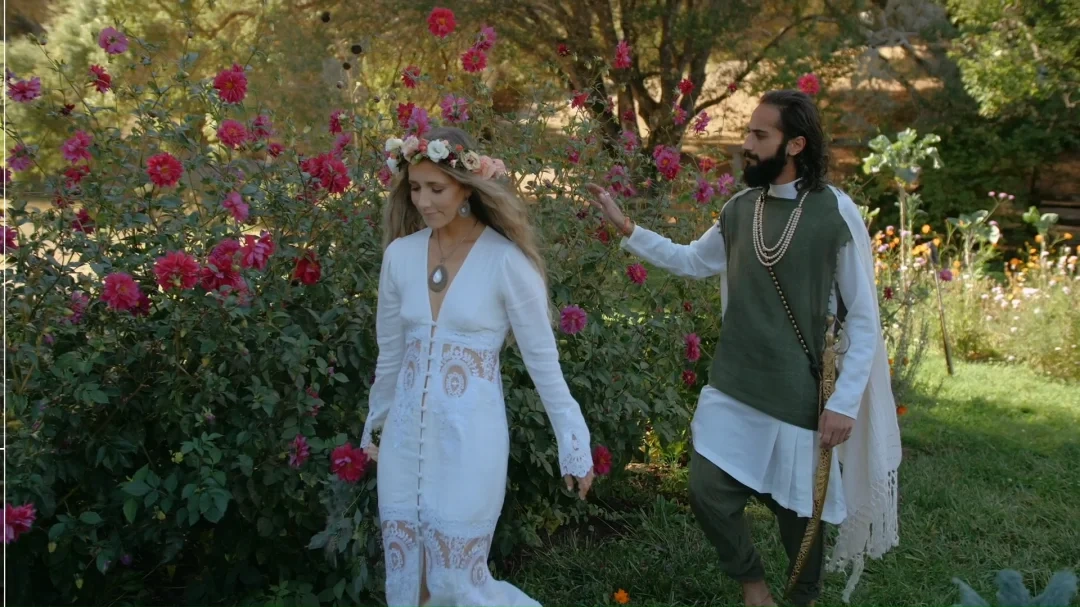
The Gamut Boost LUT is a precision color enhancement tool designed to increase vibrancy and richness while maintaining perfect tonal balance and skin tone integrity. Unlike traditional contrast or curve adjustments, Boost enhances your footage with controlled saturation, soft highlights, and balanced mid-tones, making every scene look cinematic, vivid, and naturally pleasing.
🎬 Overview
Created as an essential utility LUT for filmmakers and colorists, Gamut Boost enhances existing looks without overpowering your color science. It works by pushing vibrancy intelligently—targeting only the right color channels to preserve highlight detail and consistent exposure. Think of it as your secret weapon to make any LUT or footage “pop” with cinematic clarity.
📦 What’s Included
Upon purchase, you’ll receive an instant download containing:
- 1x Gamut Boost LUT (.cube format, 25x size)
- Compatible with all LUT-capable editing software
- Works seamlessly with your existing LUT packs
✨ Key Features
- Controlled Saturation: Enhances color vibrancy without oversaturating or distorting hues.
- Highlight Retention: Protects highlight detail far better than traditional curve or color wheel adjustments.
- Midtone Stability: Adds gentle lift to mid-tones, maintaining consistent exposure across shots.
- Universal Compatibility: Works with all major color grading programs and any other LUTs you already own.
- Refined Contrast: Soft, cinematic contrast that enhances realism and visual depth.
🎞️ Software Compatibility
- Adobe Premiere Pro
- Final Cut Pro X
- DaVinci Resolve
- Any software that supports .cube LUTs
📸 Camera Compatibility
- Panasonic GH & S Series
- Sony A7III, A7S, A7R Series
- Canon 5D, EOS R, C100, C200, 1DX MII
- Nikon Z6, Z7
- Fujifilm X-T2, X-T3
🧩 Technical Details
- File Type: 3D LUT (.cube)
- Resolution: 25x size
- Installation: Manual import or direct LUT browser setup in your preferred software
🧠 How It Works
Boost intelligently adjusts saturation and tonal contrast without harming your existing color relationships. By mimicking the subtle interplay of Vibrancy + Highlight + Shadow controls, it enhances your footage’s depth and color richness while ensuring highlight detail and color integrity remain untouched. Use it as a standalone enhancer or pair it with your favorite creative LUTs for immediate cinematic results.
⚙️ Installation Guide
For Final Cut Pro X:
- Open Final Cut Pro and locate Custom LUT in your Effects Browser (under the Color tab).
- Drag the Custom LUT effect onto your clip or adjustment layer.
- In the Inspector Window, click the LUT browser and select your downloaded Gamut Boost file.
For Adobe Premiere Pro:
- Select your clip or adjustment layer in the timeline.
- Open the Lumetri Color panel and go to the Creative tab.
- Under Look, choose Browse and import your Gamut Boost LUT.
🎨 Expand Your LUT Library
The Gamut Boost LUT is designed to enhance any LUT you already own. By adding a subtle yet powerful saturation and luminance refinement layer, it transforms your entire LUT library — giving you cleaner colors, refined tonal structure, and enhanced vibrancy. It’s like giving every LUT in your collection a fresh upgrade.
💬 Why Filmmakers Love It
Colorists and creators alike praise Gamut Boost for its non-destructive vibrancy enhancement. It brings your footage to life by focusing saturation where it matters most — without affecting skin tones or causing color dissonance. Whether you’re shooting weddings, travel films, or commercials, Boost helps your visuals stand out with pristine cinematic energy.
Bring clarity, richness, and controlled vibrancy to every frame with Gamut – Boost LUT — your universal tool for effortless, cinematic color enhancement.