
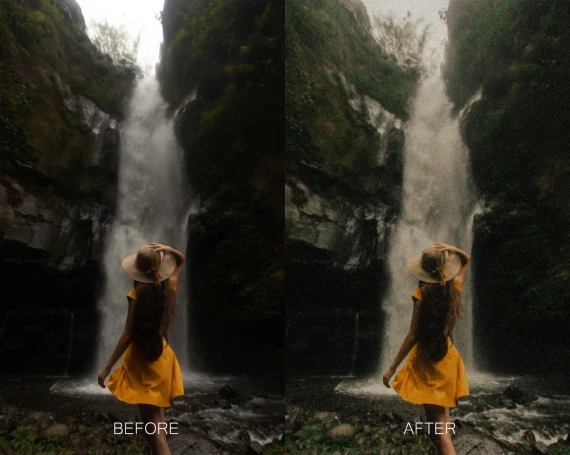
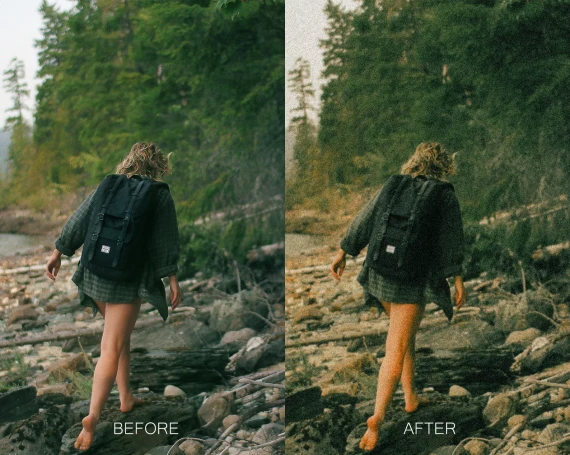
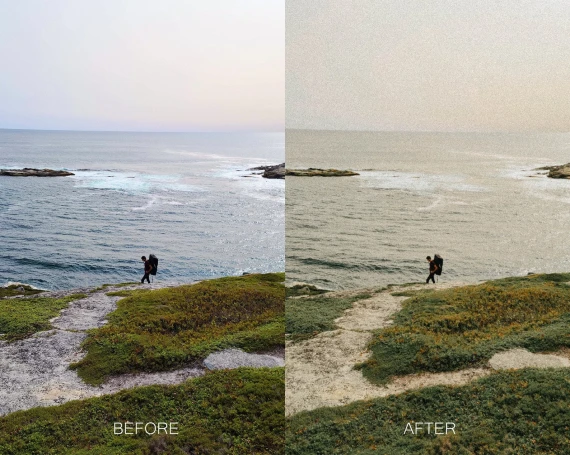
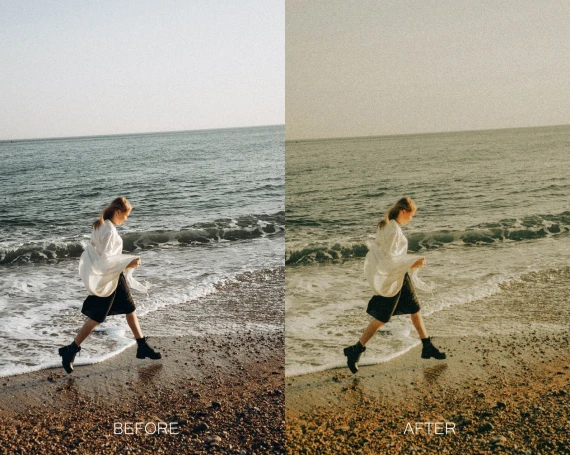
Twig & Olive Photography – LR Warm Film Presets
- File size
- 52.37 KB
- Posted Date
- 04 October 2025 - 16:52:58
- Last Update
- 04 October 2025 - 17:09:33
Content Details
Twig & Olive Photography – LR Warm Film Presets
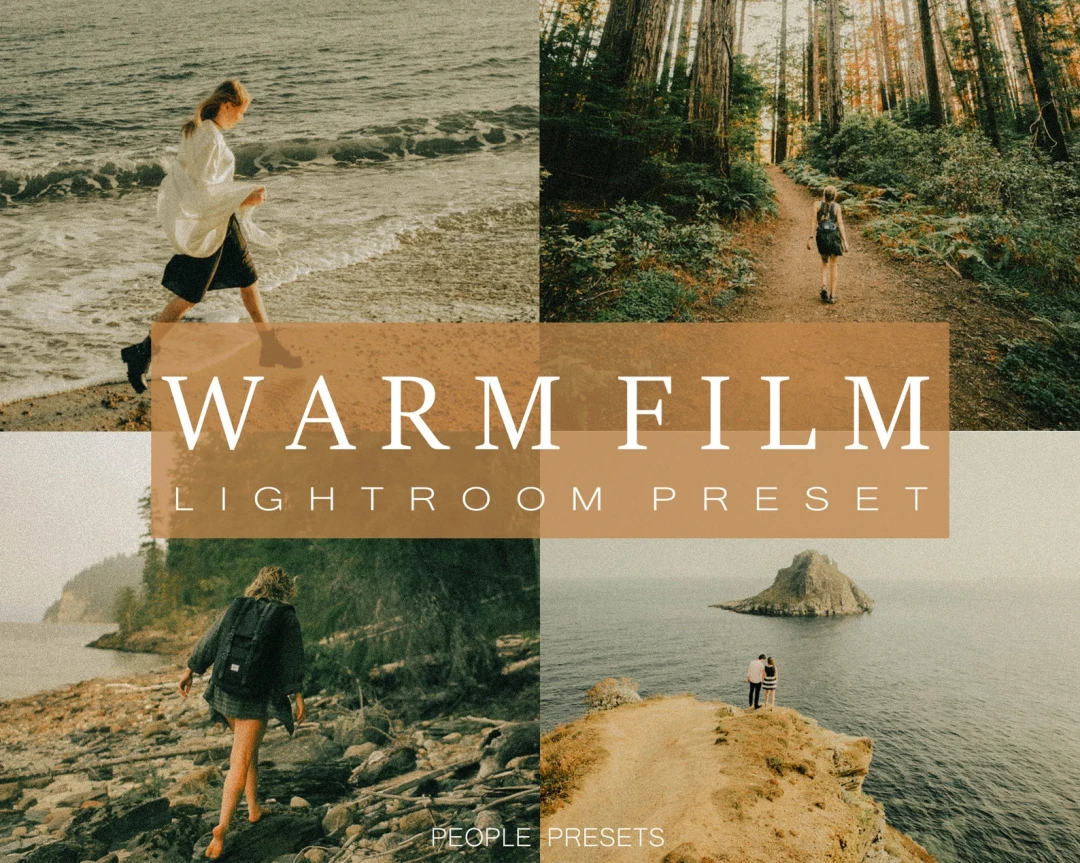
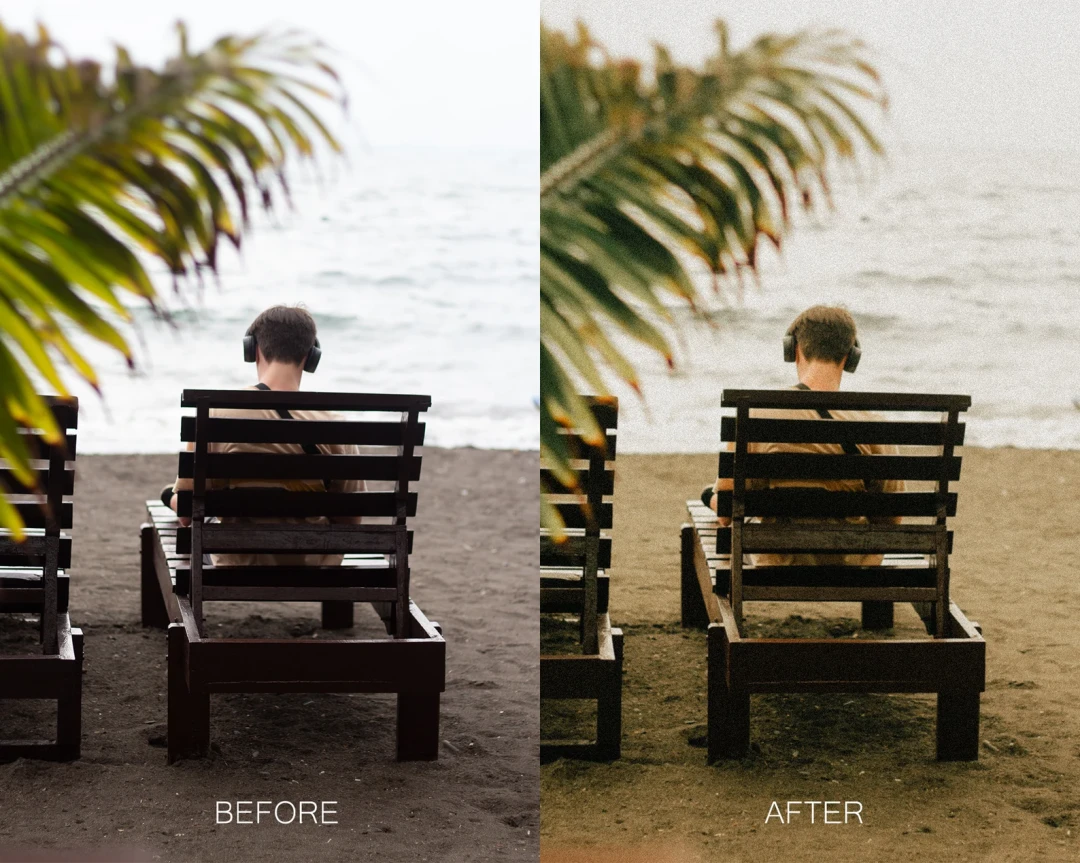
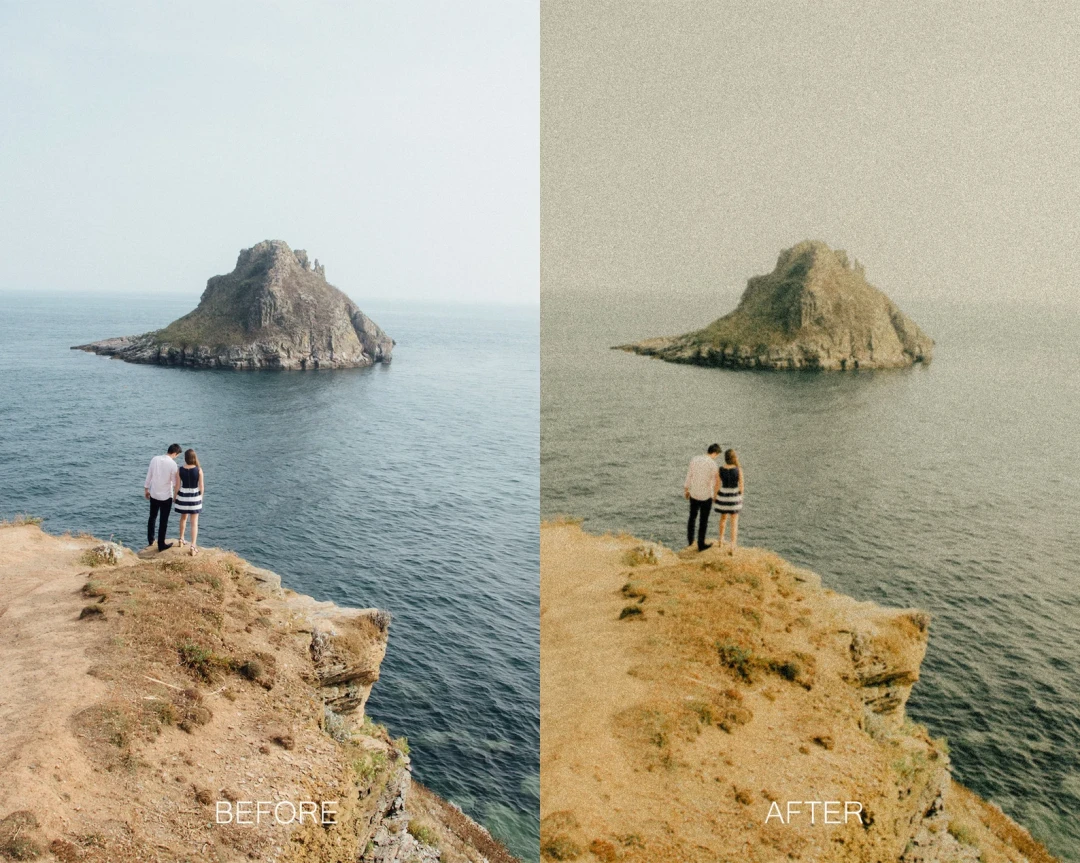
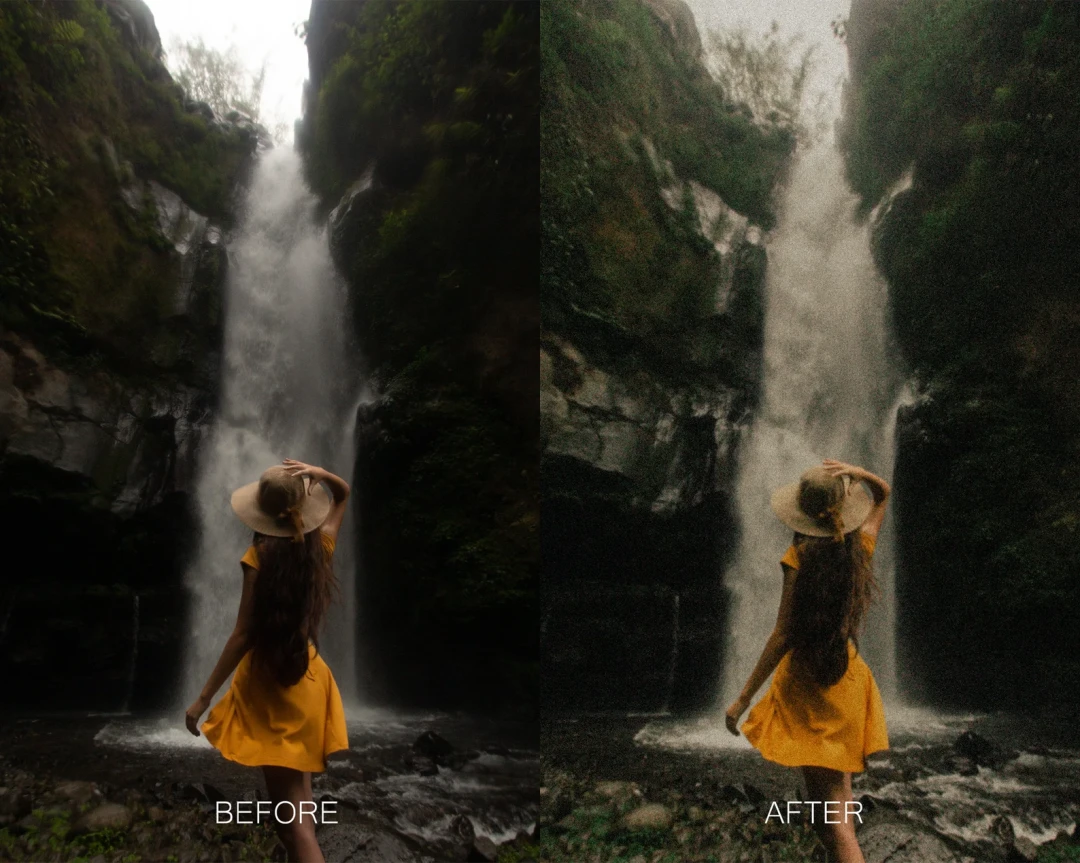
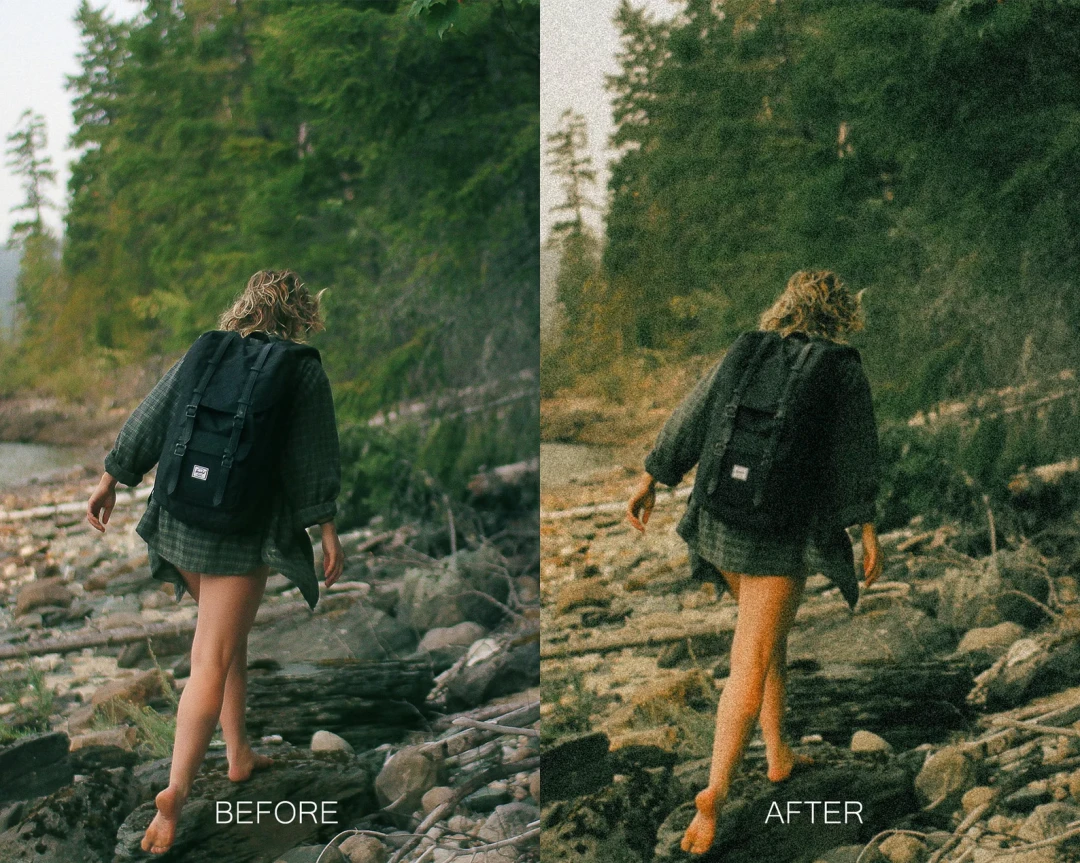
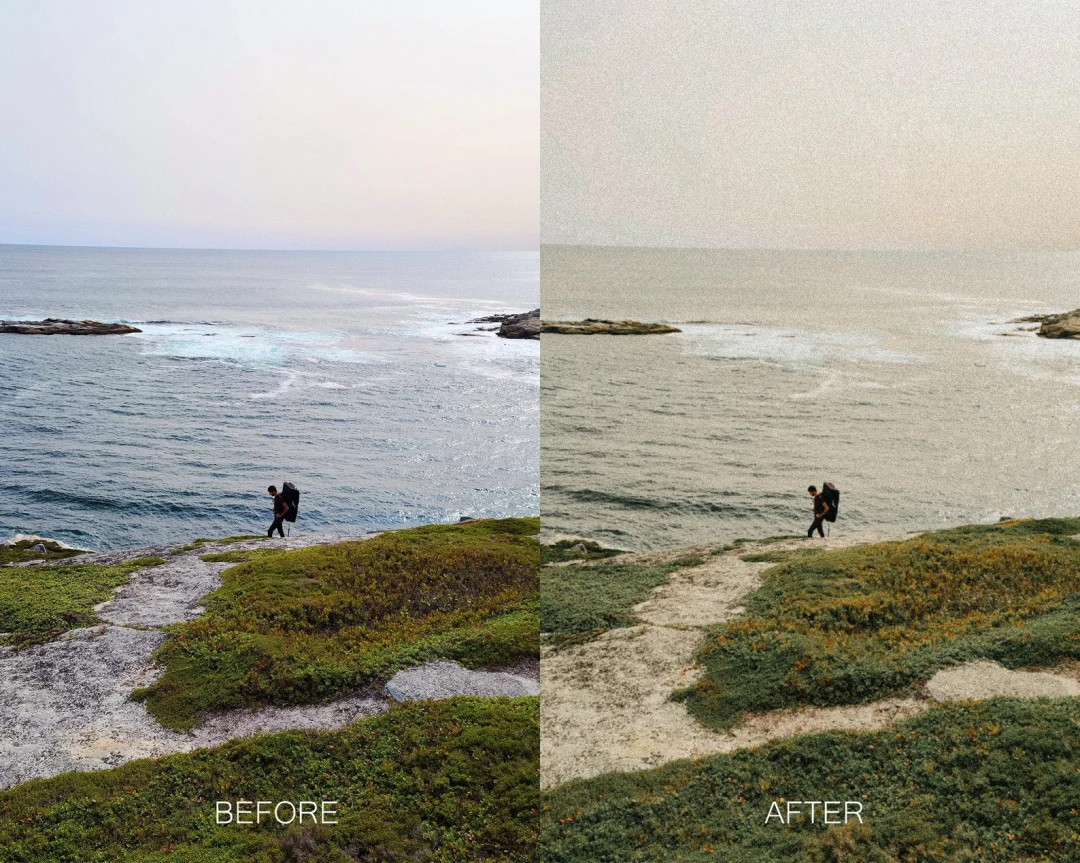
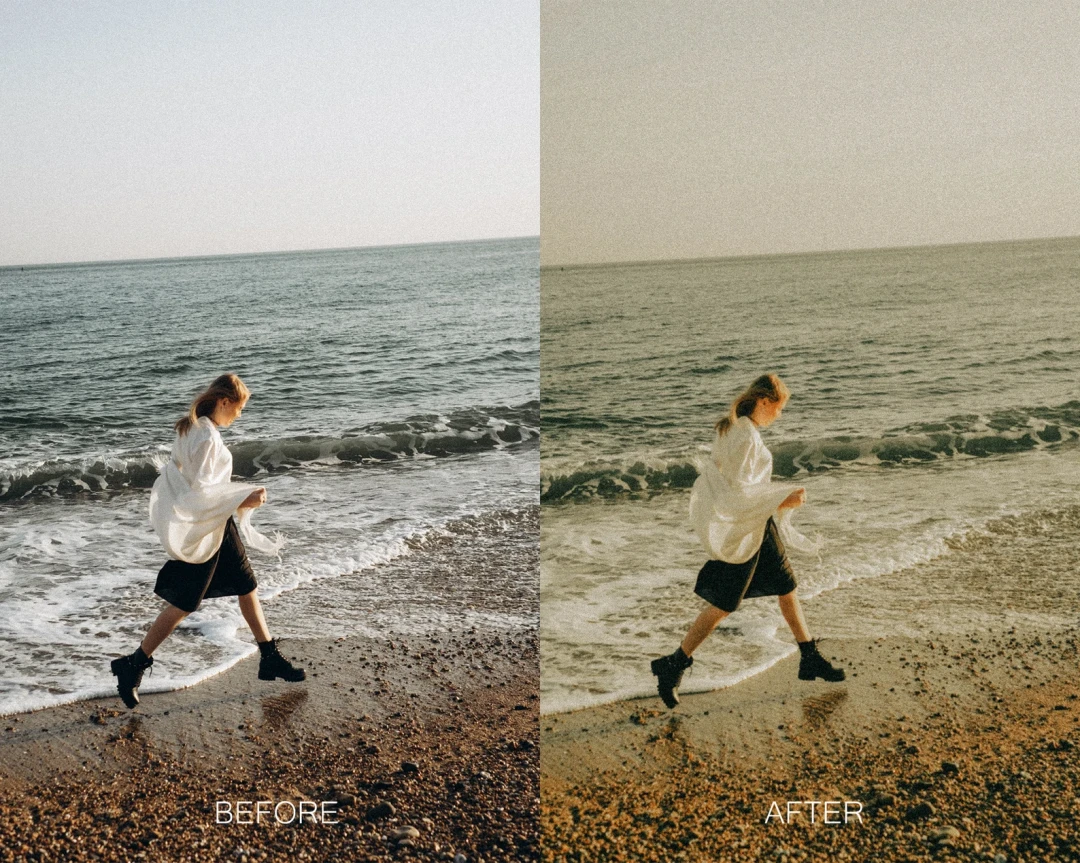
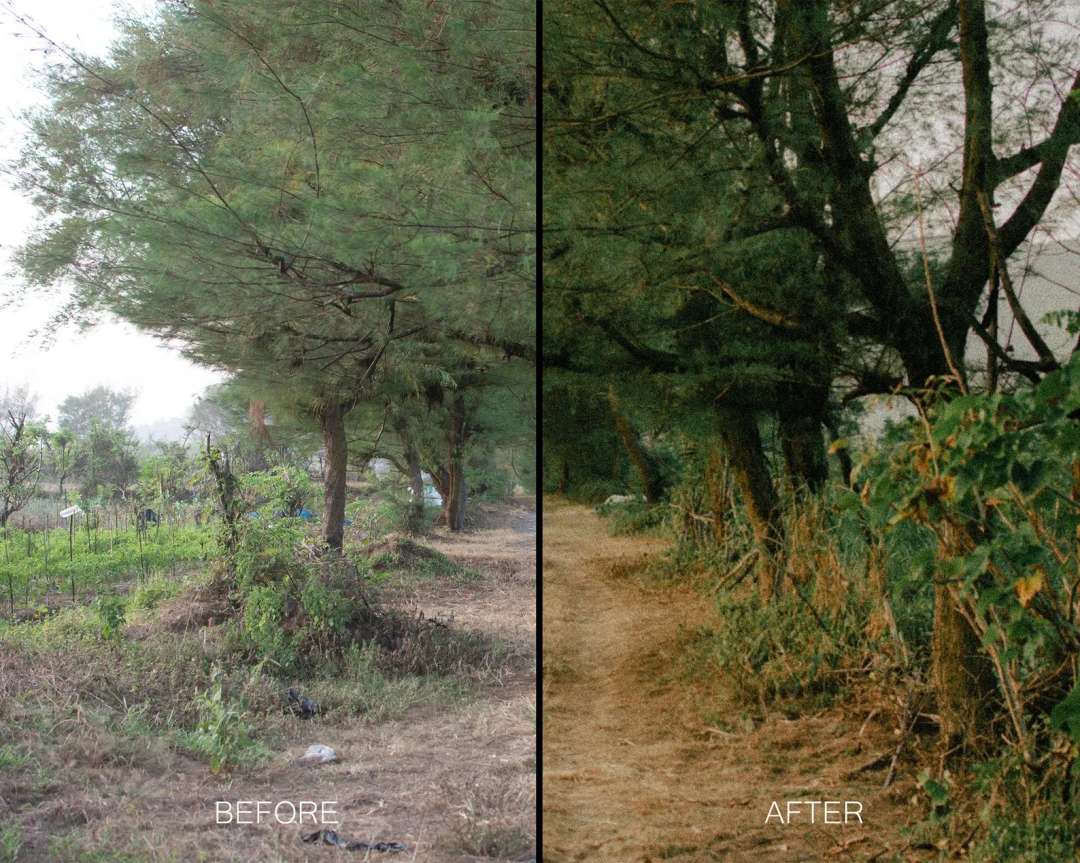
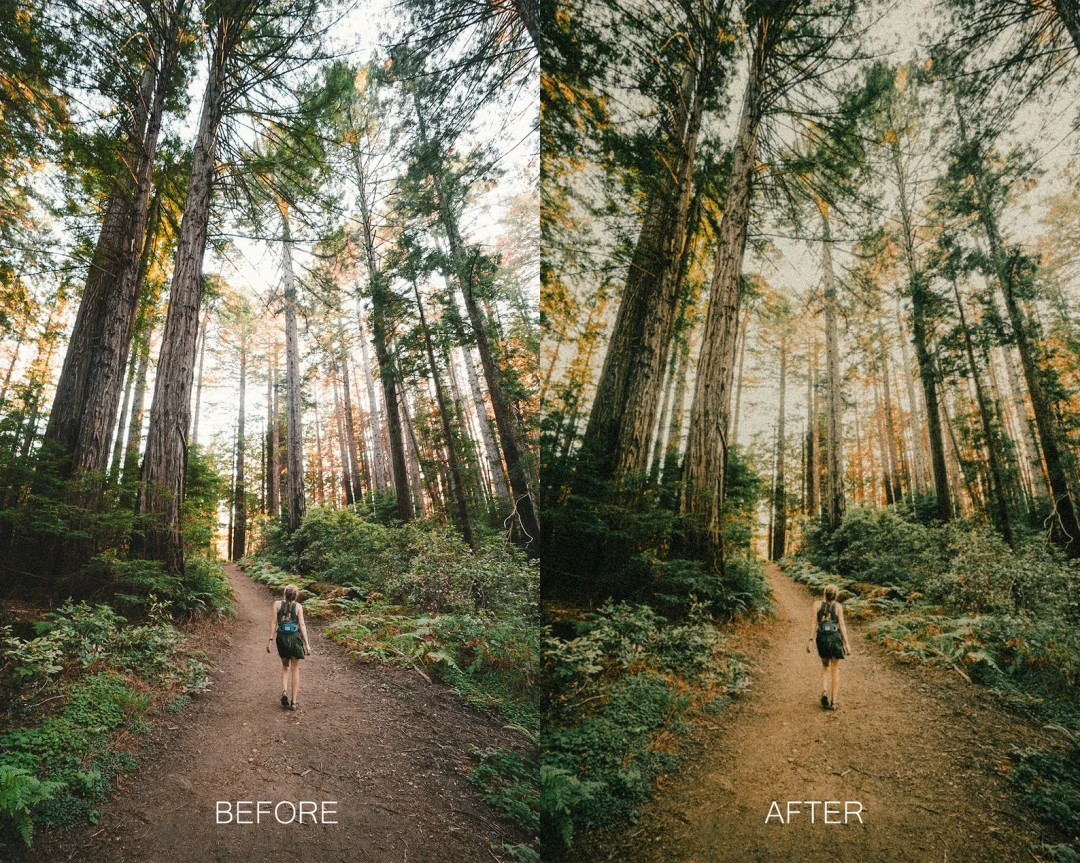
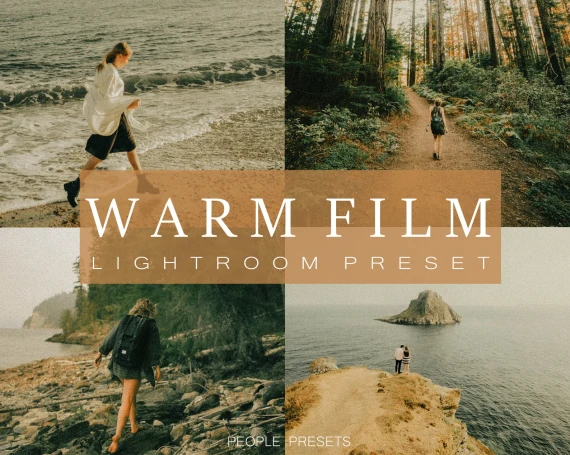
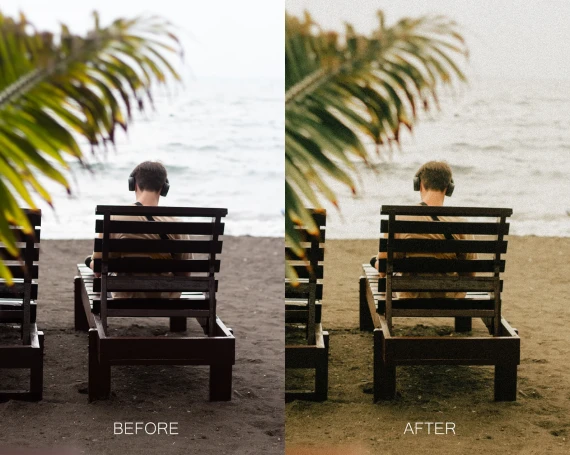
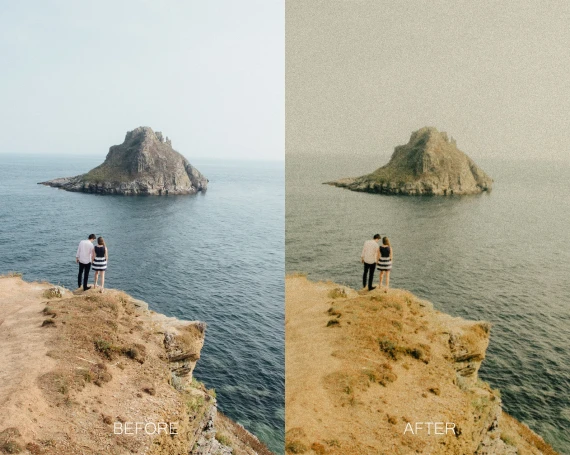
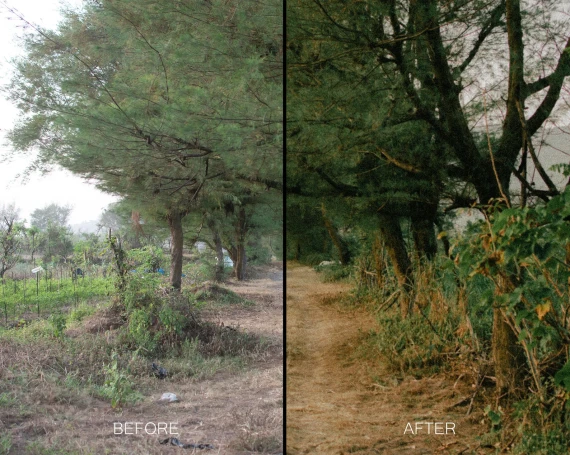
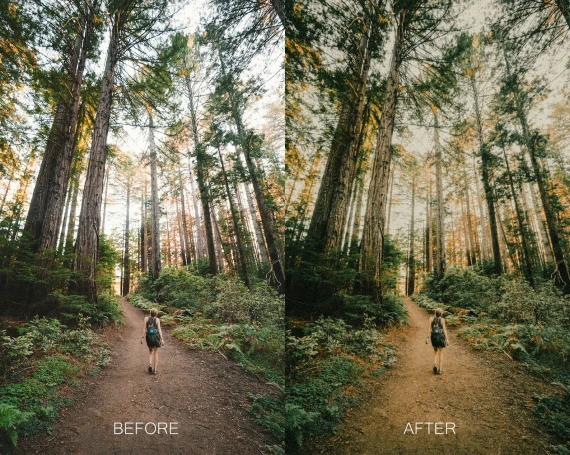
Give your images a timeless glow with LR Warm Film Presets by Twig & Olive Photography. This curated pack blends creamy highlights, gentle contrast, and a refined matte character to echo the feel of classic film—while keeping a modern, clean workflow for today’s creators.
Why This Pack
- Signature warmth without orange cast: Natural skin tones from soft “coffee-with-cream” hues to deeper espresso richness.
- Filmic texture, modern control: A subtle matte roll-off and fine grain add depth without overpowering detail.
- Fast, consistent edits: Apply, adjust exposure/white balance, and batch with confidence across sessions.
- Creator-focused flexibility: Built to handle mixed lighting and multi-camera shoots smoothly.
What’s Included
- Warm Film 0–28 preset suite (XMP) for nuanced warmth and contrast steps.
- Subtle matte & fine grain behavior tuned into the presets for an authentic film feel.
- Compatibility: Adobe Lightroom Classic & Adobe Camera Raw (desktop). Mobile via synced profiles/workflow.
- Quick Start Guide: Recommended baseline settings and a one-minute workflow recipe.
Key Features
- Natural skin rendition: Preserves lifelike tones while enriching overall mood.
- Versatile contrast ladder: Choose airy and delicate or moodier, low-key looks as needed.
- Color-aware tone shaping: Creamy highlights, soft shadows, and gentle color separation.
- Noise-aware grain: Fine grain calibrated not to muddy detail on high-ISO images.
Perfect For
- Weddings, family, newborn, lifestyle & portraits
- Editorial & brand storytelling that needs a warm, nostalgic identity
- Blog, social, and print workflows where consistency matters
Suggested Workflow
- Apply a Warm Film preset (start around 06–12 for a natural baseline).
- Balance exposure & white balance for the key subject; add a subtle tint if required.
- Pick your contrast step: lower numbers = softer; higher numbers = punchier.
- Refine texture/grain to taste; keep grain subtle for clean skin.
Pro tip: Save your favorite WB/contrast tweaks as a custom preset to speed up batch edits.
Installation (Quick)
- Open Lightroom Classic → Develop → Presets panel → “+” → Import Presets.
- Select the .xmp files and import.
- Restart if needed; presets appear under the collection folder.
Package Summary
- 29 × Warm Film presets (0–28)
- Subtle matte & fine grain look
- Quick Start PDF
FAQs
Will these work on JPEGs?
Yes. For maximum dynamic range and smoother tonality, shoot RAW whenever possible.
Are they too warm for mixed lighting?
No—this set is tiered from gentle warmth to deeper tones. Start lower (0–8) for tricky mixes and fine-tune white balance.
Do I need grain enabled?
Grain is subtle by default. Reduce or disable it for ultra-clean commercial work if you prefer.